

To synchronize the email and the xat on the mobile, the first thing you have to do is search for you Gmail browser, once again within your Gmail (on the mobile) you have to add your profile photo to the screen and sort the comptes you have below and sort “adhere to another compte” for the items on the next screen and you will sort “set up your email” by going to “google” and signing in with the email you want, and once you have entered the email you want to synchronize and the password.
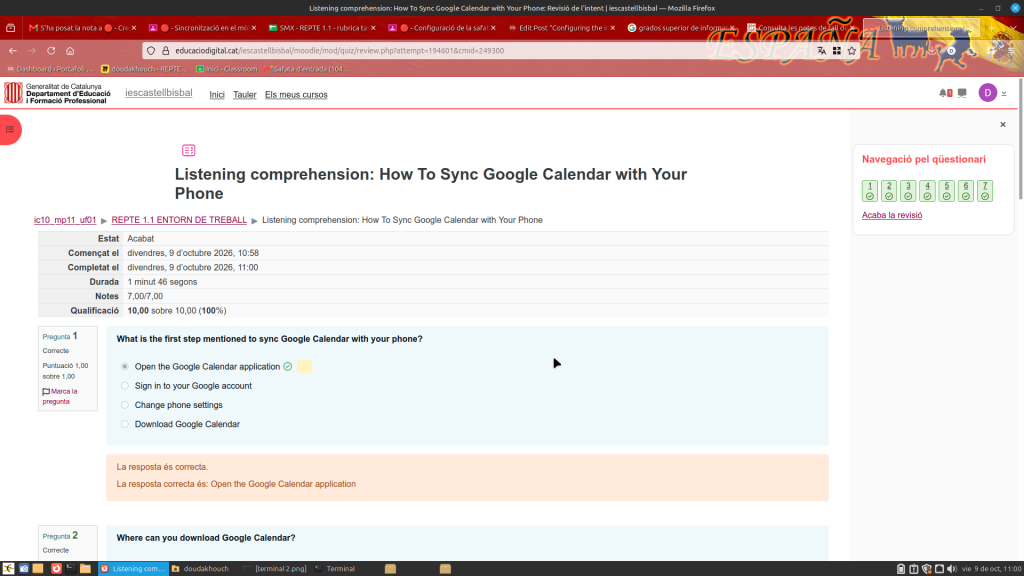
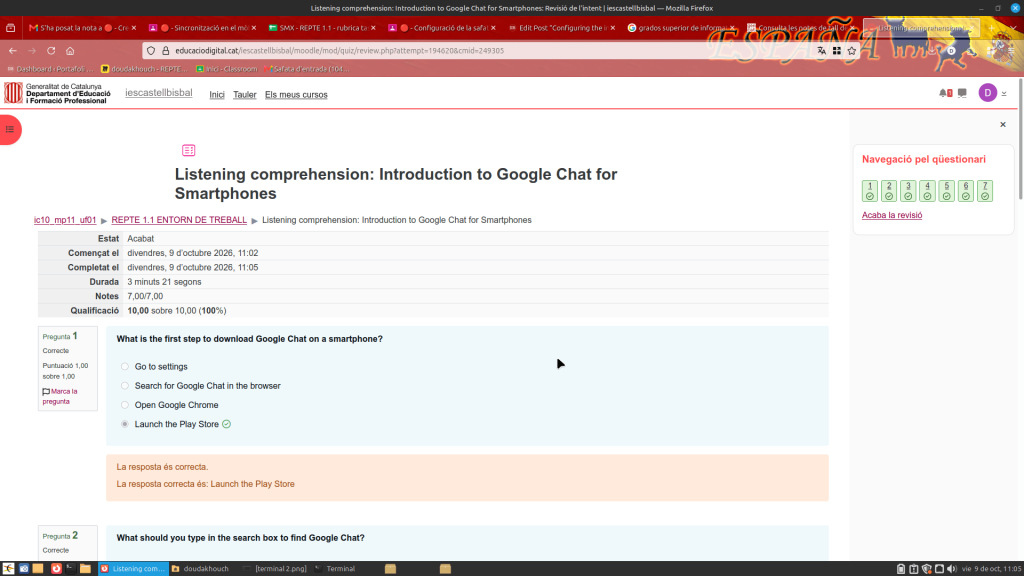
I have completed these Moodle tasks based on the rubric.

Leave a Reply